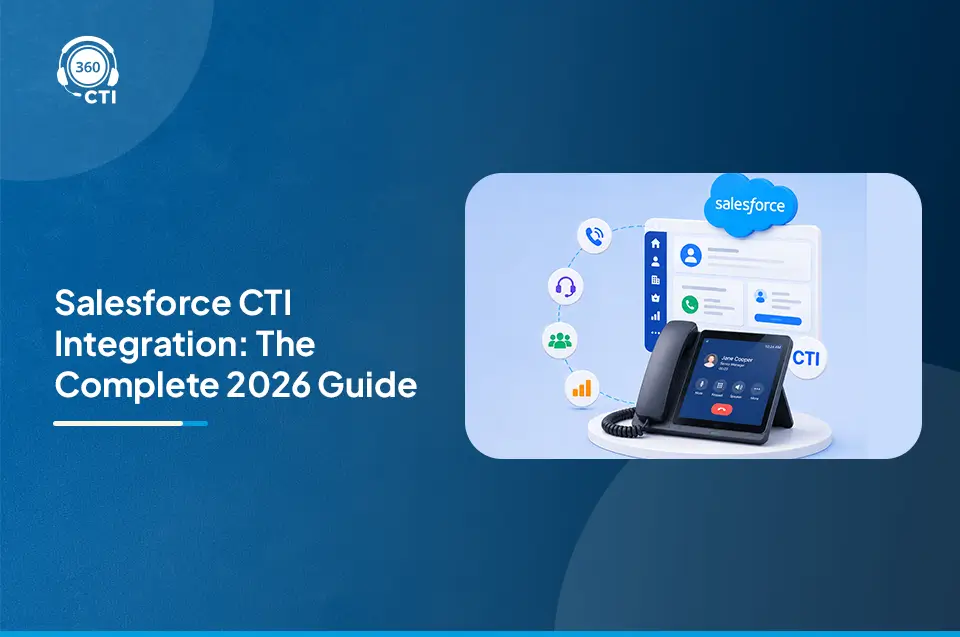


The most popular channel for solving customer queries is voice and phone calls. Therefore, Salesforce call center integration becomes non-negotiable for your business. It helps your sales and support teams handle phone calls directly from Salesforce, check customer details during the call, and automatically log call information.
That’s why it is your time to upgrade. Salesforce VoIP call center brings voice, CRM data, and automation into one streamlined workflow.
Let’s break down how you can set up a Salesforce-integrated VoIP call center to reduce handle times, boost CSAT, and enable agents to personalize every interaction in real time.
6 Simple Steps for Salesforce Call Center Integration

By integrating telephony with Salesforce, you can unlock plenty of benefits for your sales and service teams. Here are the 6 simple, no-fluff steps to get you up running fast and smart.
1. Define Your Salesforce Call Center Use Case
As we all know, not all Salesforce call center setups are created equal. You should be clear that if you are looking to power a Sales outreach team, enable inbound customer support with IVRs and screen pop ups, or integrate voice logging and analytics for QA and compliance. Clearly defining these use cases will guide your decisions on telephony platforms and CTI feature sets.
2. Pick the Right VoIP Provider with Salesforce CTI Support
You should look for a VoIP provider that supports Salesforce CTI setup. For this, you can evaluate the native Salesforce CTI adapter or AppExchange package, support for open CTI (browser-based, no plugins), real-time sync with Salesforce objects, and support for click-to-dial, screen pops, and voice logging.
3. Configure Salesforce for Telephony Integration
Salesforce offers two key integration paths. One is Open CTI, which is a browser-based framework that enables voice controls within Salesforce pages. The second is softphone layouts, in which you can define how CTI components appear for different user profiles. Register your CTI adapter and configure the softphone layouts to show caller information, enable quick case creation, and surface past interaction history from Salesforce CRM.
4. Implement Data Mapping and Sync
A smooth CRM-telephony interaction hinges on smart data mapping. Make sure that incoming calls match existing lead records, call dispositions are logged against cases or opportunities, and activity records are auto-created with timestamps and recordings.
5. Enable Agent Productivity with Automation
The next step is to use Salesforce Flows to route calls based on availability, skill, or priority. Many teams also deploy AI Voicebots to automate routine outbound and inbound calls, ensuring faster responses and freeing agents for high-value interactions. Then Auto create tasks post-call with templated follow-ups and trigger alerts or Slack messages on missed high-priority calls. This way, smart CTI workflows turn reactive service into proactive engagement.
6. Monitor, Optimize, and Scale
Last but not least, monitor, optimize, and scale once your Salesforce call center setup is live. You can use the Service Cloud voice dashboard to track metrics like AHT, FCR, and call volumes. Record and analyze calls for training and compliance. As your team grows, ensure CTI scalability both technically and operationally.
Wrapping Up
The era of the disconnected dialer is over. With Salesforce-telephony integration, you can make a huge difference in how your team handles customer calls and manages data. To get started, consider the cost, follow the setup steps religiously, and monitor the result to get the most out of your integration.
Ready to Make Your Salesforce CTI Setup Flawless? Talk to Us!
Our Salesforce wizards would be happy to assist you. Just drop us an email at contact@360cti.com, and we’ll take it from there!