
You have a list of 300 leads, a daily call target, and six working hours to get there. Half that time disappears before a real conversation starts: opening records, copying numbers, dialing manually, logging outcomes, setting the next follow-up.
An auto dialer for Salesforce collapses that dead time. The system moves to the next number automatically, logs the outcome, and keeps the entire workflow inside your CRM. For SDRs managing high call volumes, that is a meaningful shift in how many conversations you can actually have in a day.
But auto dialing is not right for every scenario. This guide covers what it does, where it helps, where it falls short, and what compliance requires before your first campaign.
What Is an Auto Dialer and How Does It Work with Salesforce?
An auto dialer automatically dials numbers from a prepared list, connects answered calls to an available agent, and handles unanswered ones according to preset rules: log a missed call, drop a voicemail, create a follow-up task, move to the next record.
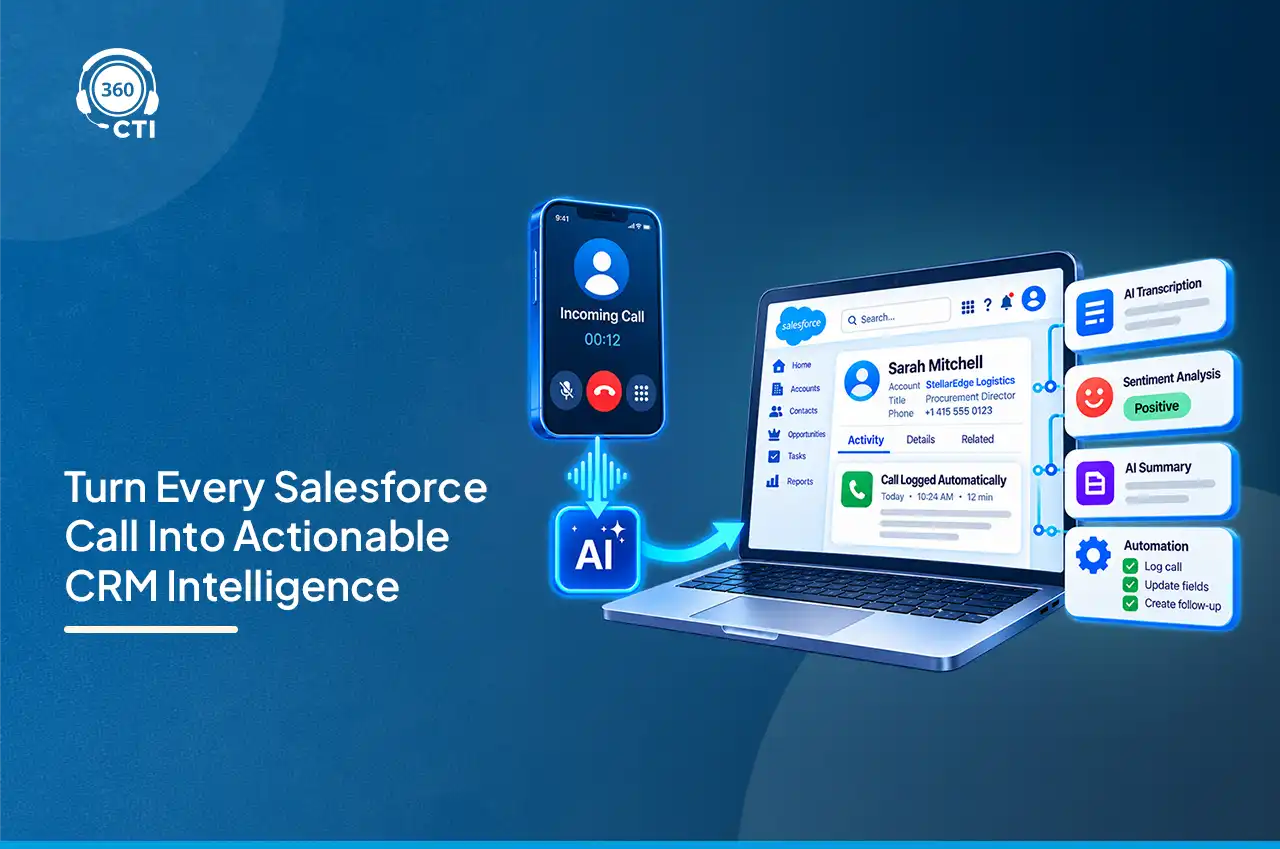
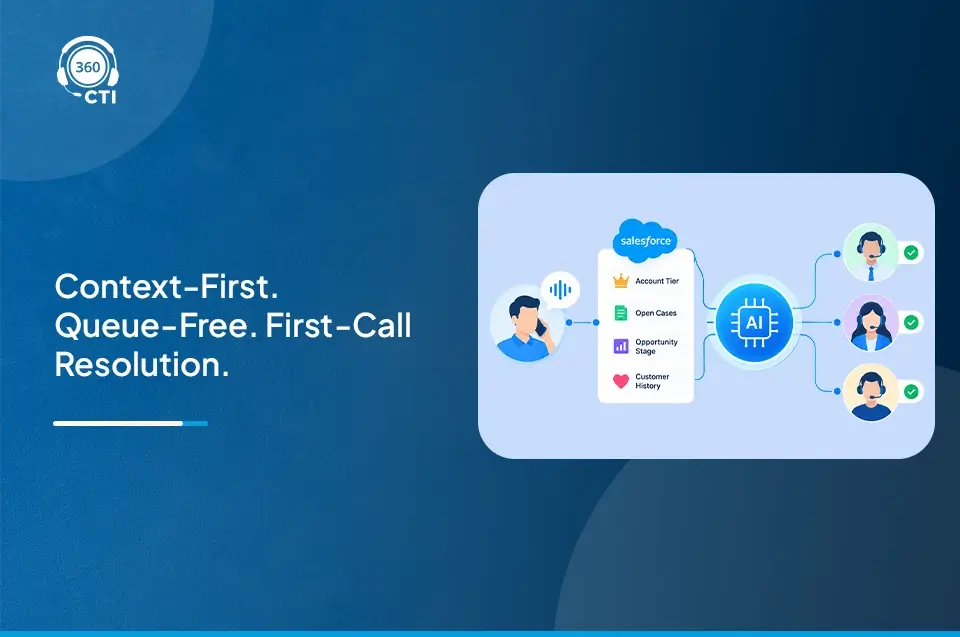
When connected to Salesforce through Open CTI, the dialer reads call lists directly from Salesforce records and writes every outcome back to those same records automatically. When a call connects, the matching record opens on screen. When it ends, direction, duration, disposition, and notes are logged to the activity record without the rep touching the CRM.
There are three dialer modes, and choosing the wrong one is one of the most common mistakes teams make:
| Dialer Type | How It Works | Best For |
| Preview Dialer | Agent reviews the next record before the call connects | High-value prospects, account-based outreach, renewal calls |
| Progressive Dialer | System dials automatically when agent becomes available; one call at a time | Warm lead follow-up, SMB outreach, standard outbound campaigns |
| Predictive Dialer | Dials multiple numbers simultaneously; algorithms match answered calls to available agents | High-volume contact center campaigns with large agent pools |
Check what a complete Salesforce calling solution should include before choosing your setup

Key Benefits of Auto Dialer for Sales and Outbound Teams
More Conversations Without Extending Rep Hours
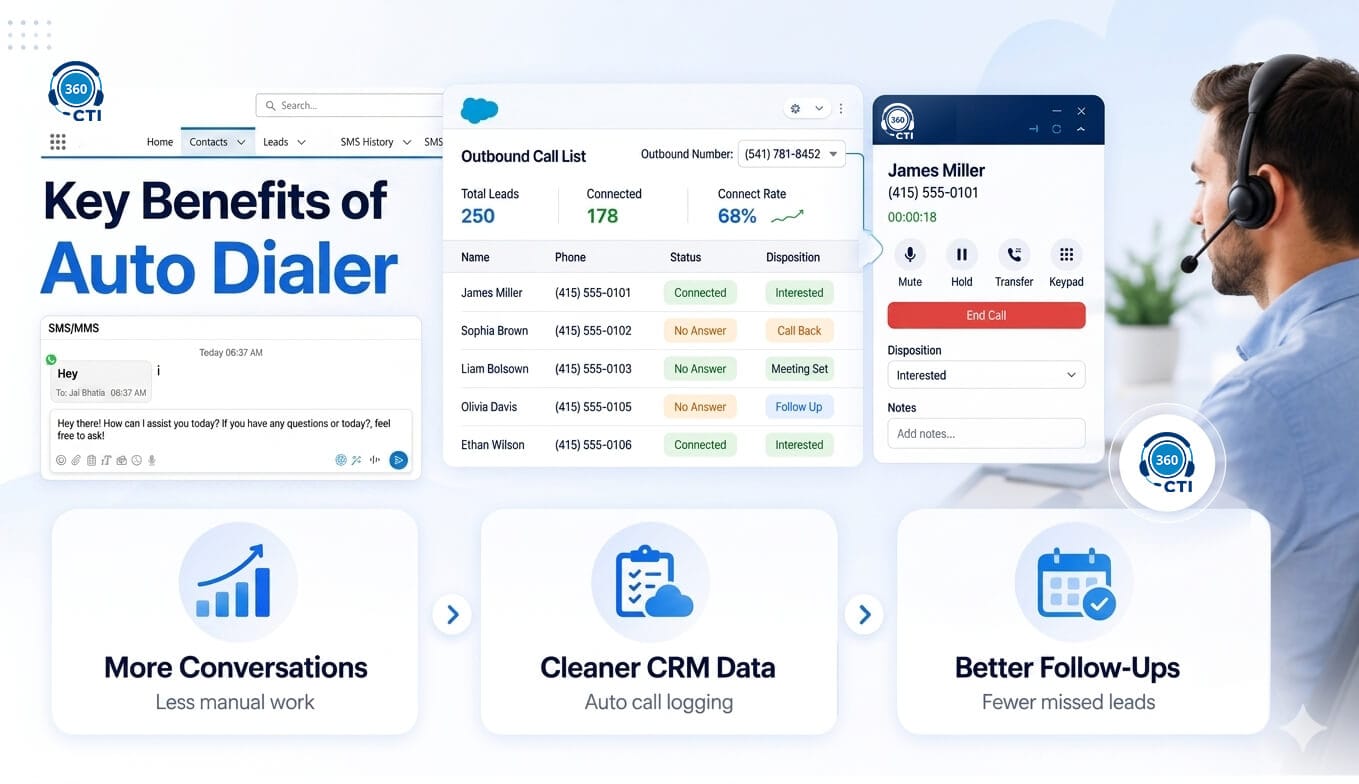
Manual dialing on a high-volume list typically produces 40 to 60 call attempts per rep per day. Progressive auto dialing can push that to 80 to 100 attempts by eliminating idle time between one call ending and the next beginning. For a five-person SDR team, that adds up to several hundred additional outreach attempts per week without extending hours or adding headcount.
Every Call Gets Logged, Not Just the Good Ones
Manual call logging breaks at volume. Reps skip it when busy, abbreviate notes under pressure, and use dispositions inconsistently. After 60 days, the Salesforce activity data is too messy for reliable reporting or coaching.
Auto dialing solves this structurally. Every attempt (connected, missed, or voicemail) generates a Salesforce activity record automatically using the Open CTI saveLog() method. Reps add notes and dispositions through the softphone immediately after each call, and the record is already created and waiting.
Missed Calls Get Tracked and Followed Up
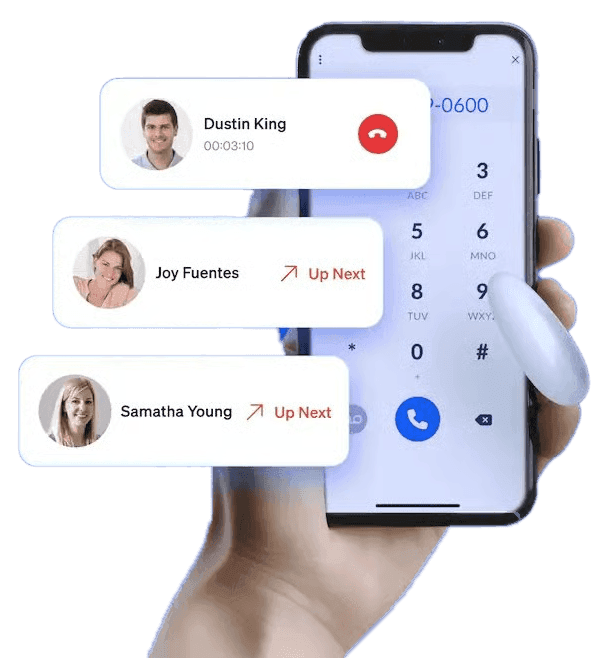
With a Salesforce-connected outbound dialer, missed calls automatically generate follow-up tasks on the originating record with due dates reps can prioritize. Managers can pull a report showing every open callback without chasing updates. Reps can also skip individual records without ending the session and resume from the same position when they break out.
See how a power dialer helps high-volume teams balance speed, context, and rep control.
Where Auto Dialers Can Create Problems
A Dialer Amplifies List Quality, It Does Not Fix It
Auto dialing moves through a list faster than any rep can manually. When the list has duplicate records, disconnected numbers, or contacts who opted out months ago, the dialer calls all of them at the same pace. Before activating any automated dialing Salesforce workflow, phone number data needs to be clean: consistent formats, no active duplicates, and DNC opt-outs honored in the system.
It Is Not Built for Complex or Cold Calls
Auto dialing optimizes for throughput. For calls that require account-specific context (recent news, previous touchpoints, specific product fit), that context needs to be reviewable before the call begins. Preview dialing is the right mode here. The additional seconds of record review before each call are worth it when the conversation requires preparation.
Stale Lists and Predictive Dialing Can Increase Risk
If Salesforce List Views are not updated regularly, reps end up calling already-converted contacts or leads from closed campaigns. Assign clear ownership for list maintenance before the campaign starts.
Predictive dialers dial multiple numbers simultaneously. When more calls are answered than agents are available for, some callers get dropped. Those abandoned calls are regulated: under the FTC’s TSR, predictive dialers cannot abandon more than 3% of answered calls per campaign per 30-day period.
Compliance Checks Before You Launch an Auto Dialing Campaign
Any outbound dialer Salesforce integration reaching U.S. consumers operates inside two regulatory frameworks.
The TCPA, enforced by the FCC, requires prior express written consent before using an automatic telephone dialing system to call a mobile number for marketing purposes. The FCC’s 2025 one-to-one consent rule requires that consent be specific to each individual seller, not broadly granted to a lead generator’s partner network.
The Telemarketing Sales Rule (TSR), enforced by the FTC, governs calling time windows (8 a.m. to 9 p.m. local time), National DNC Registry compliance, and predictive dialer abandonment limits. The FTC’s 2024 TSR amendments extended DNC record retention from two to five years and set penalties of up to $50,120 per violation.
Three requirements before any campaign launches:
- Scrub call lists against the National DNC Registry every 31 days. A scrub older than 31 days removes the safe harbor defense.
- Sync Salesforce DND opt-out fields with the dialer’s skip logic so opted-out records are bypassed automatically.
- Retain consent records for five years in a retrievable format.
Compliance is not a dialer feature. It is a process the team operating the dialer is responsible for maintaining.
Best Practices for Getting the Most Out of Auto Dialing
- Build clean, specific List Views before every session: Exclude records with missing phone numbers, active DNC flags, or already-converted status. The more targeted the list, the more useful the session.
- Match the dialer mode to the call type: Progressive for standard follow-up campaigns. Preview when the call requires preparation. Predictive only with formal abandoned call rate compliance management already in place.
- Keep dispositions short and scrub DNC before every campaign: Six options (Connected, No Answer, Voicemail Left, Not Interested, Follow-Up Scheduled, Wrong Number) produce cleaner reports than twelve. A scrub from a previous campaign does not count; make it a non-negotiable pre-launch step every time.
How 360 CTI Supports Automated Outbound Calling in Salesforce
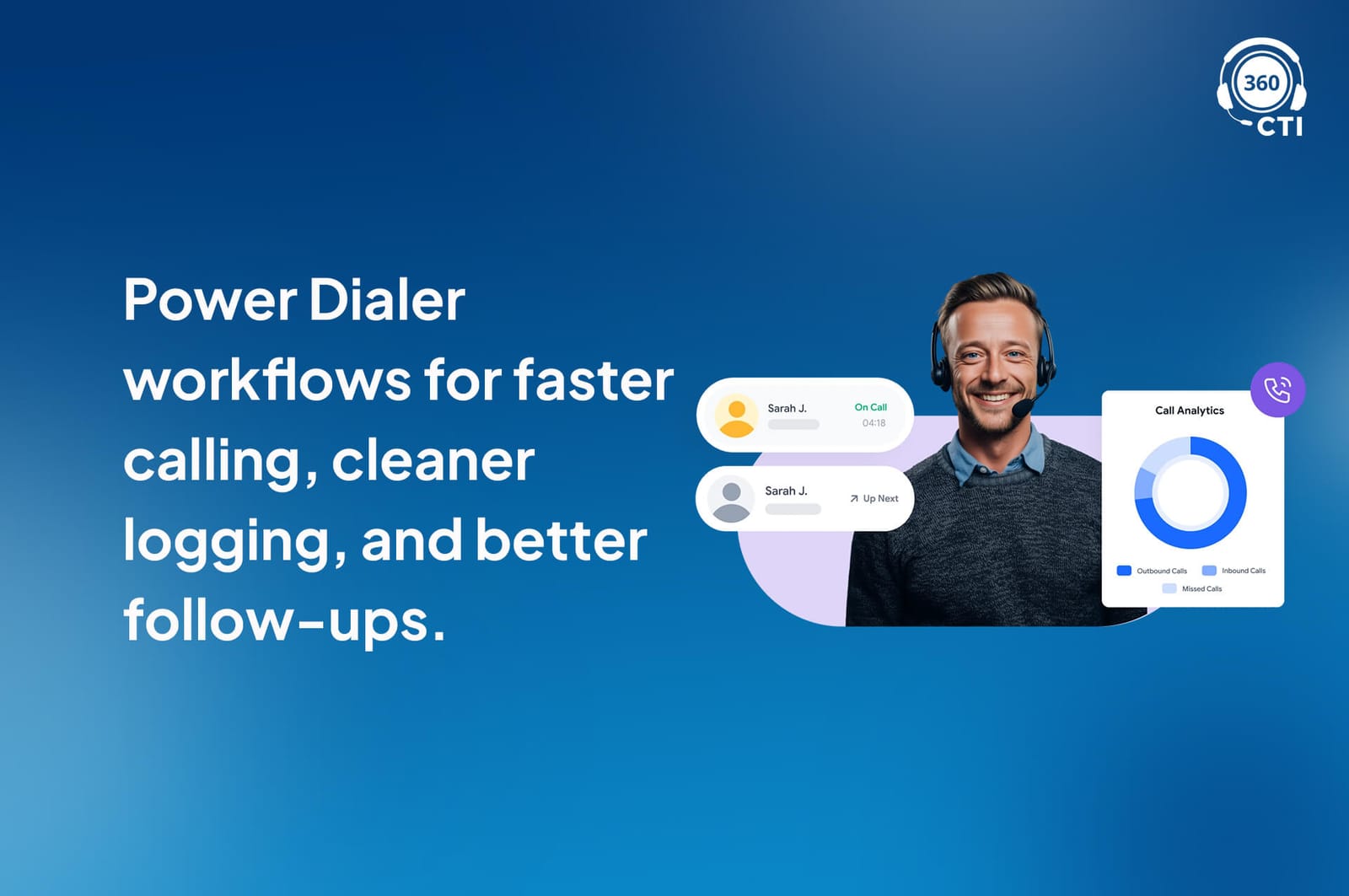
360 CTI supports automated outbound calling through its Salesforce Power Dialer, helping reps move through call lists faster without switching tools or manually dialing each number.
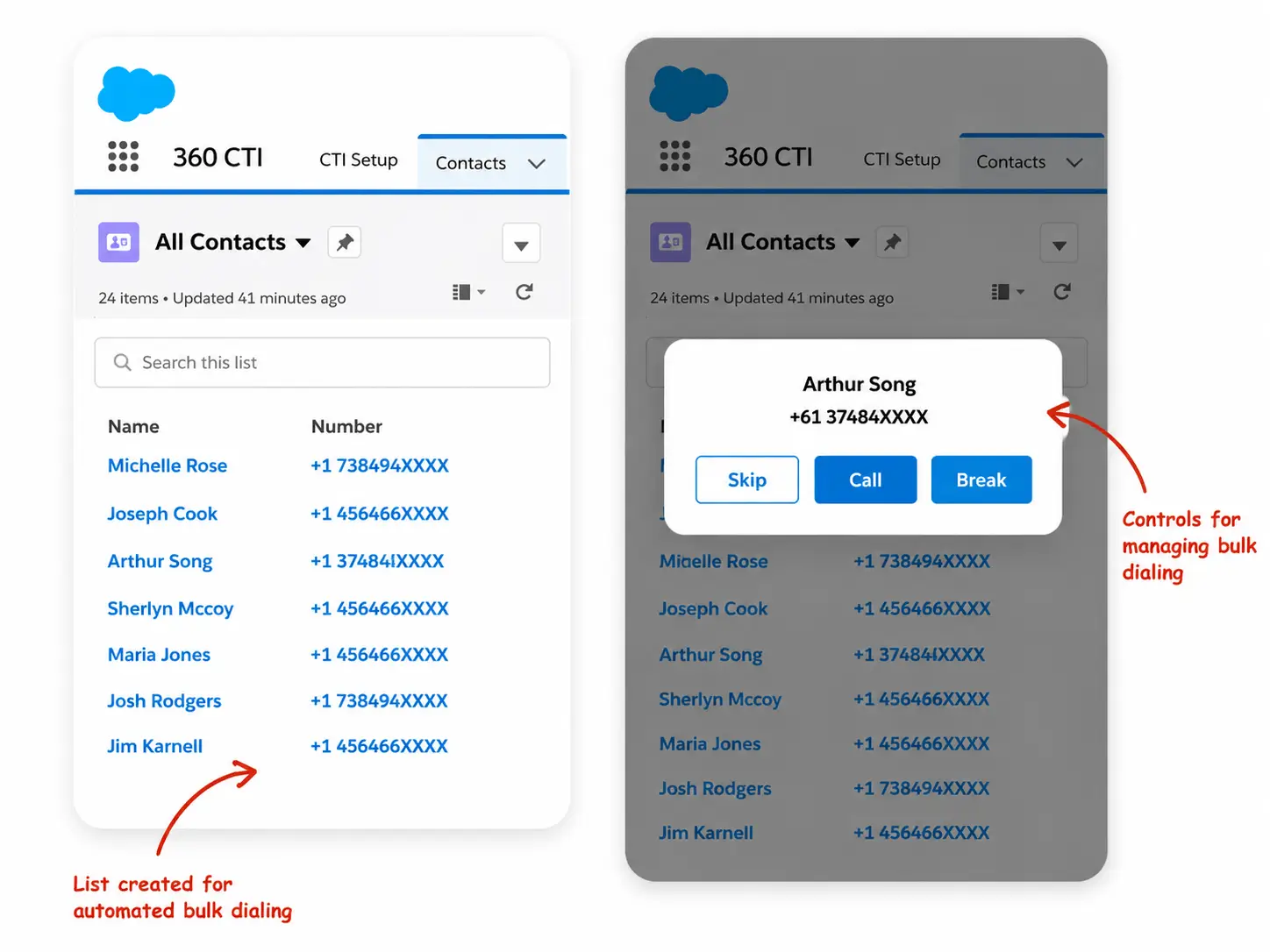
Unlike a basic auto dialer that mainly focuses on speed, 360 CTI gives reps more control during outbound sessions. Teams can use bulk dialing, Click-to-Dial, skip, pause, resume, and queue-break controls while keeping call activity connected to Salesforce records.
Key capabilities include:
- Salesforce Power Dialer for faster outbound calling
- Click-to-Dial to reduce manual dialing
- Auto-call logging for cleaner Salesforce activity data
- Call notes and dispositions after each conversation
- Skip, pause, and resume controls for better list handling
- Follow-up visibility for missed calls and callbacks
Need more than basic auto dialing in your Salesforce CTI?
Conclusion
An auto dialer for Salesforce removes the manual gap between call attempts and keeps every outcome logged against the right record. The returns depend on what surrounds it: a clean list, the right dialer mode, consistent dispositions, and active DNC compliance. Teams that treat automated dialing as a workflow decision rather than just a tool purchase are the ones that see the lift in conversations, pipeline visibility, and follow-up accountability.