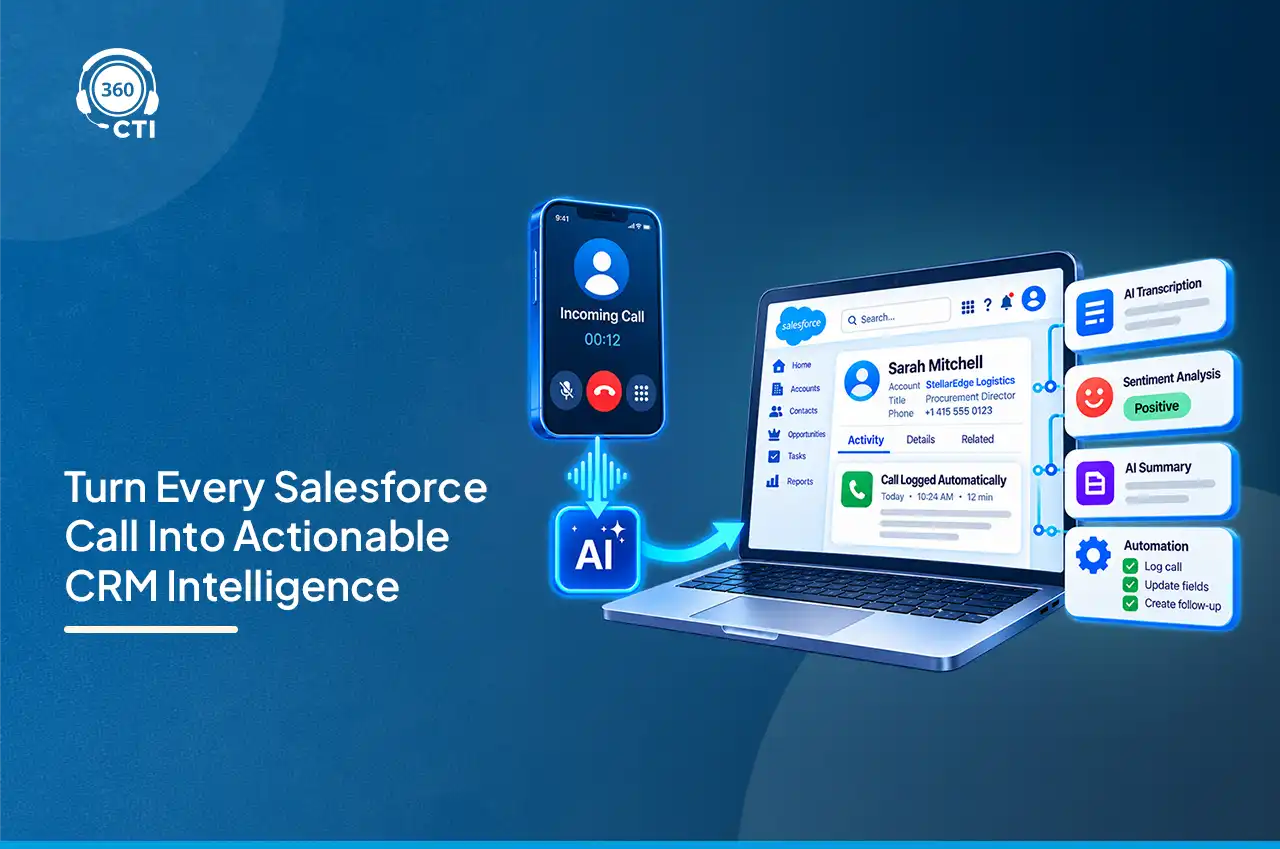

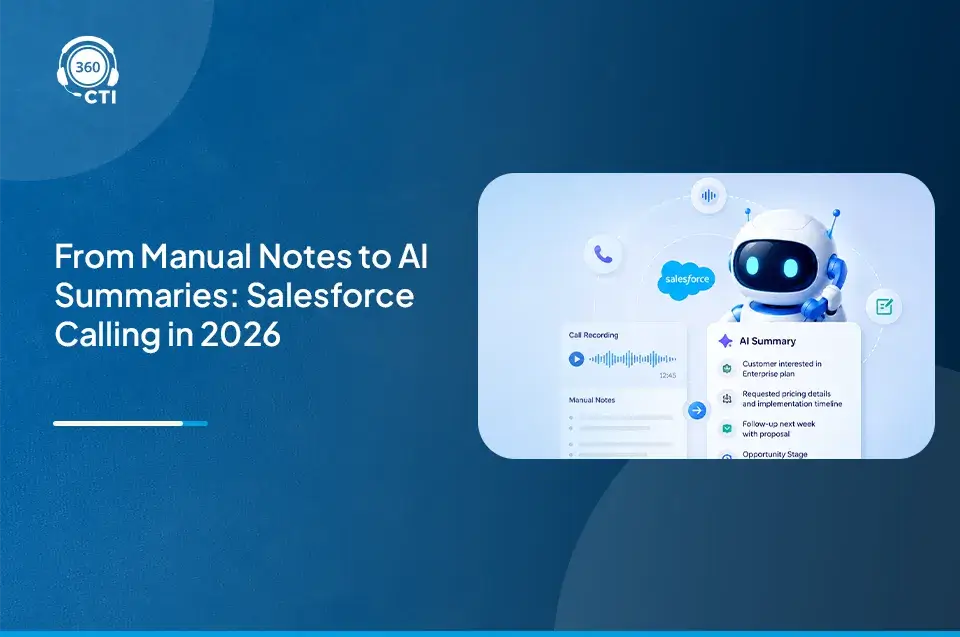
Did you know research consistently shows reps spend 3–5 minutes on post-call admin for every call, picking a disposition, and setting a reminder? That used to be normal. In 2026, it looks like wasted time. AI CTI Salesforce tools have changed how sales teams handle calls, notes, routing, and coaching and the gap between teams using these tools and those still working manually is widening fast.
Here are the seven shifts actually changing Salesforce AI CTI today, how calls get made, logged, and reviewed, and what to do about each one.
What would 3 fewer minutes of admin per call mean for your team?

Where AI CTI Salesforce Tools Are Actually Showing Up Right Now
Not every AI claim on a vendor page holds up in a live Salesforce org. The seven shifts below are the ones actually running inside calling workflows today, from AI voice agents handling outbound calls to coaching tools that flag what a manager should review. Each one covers what changed, what’s still limited, and what to check before you add it to your stack.
1. AI voice agents are handling outbound calls without a rep on the line
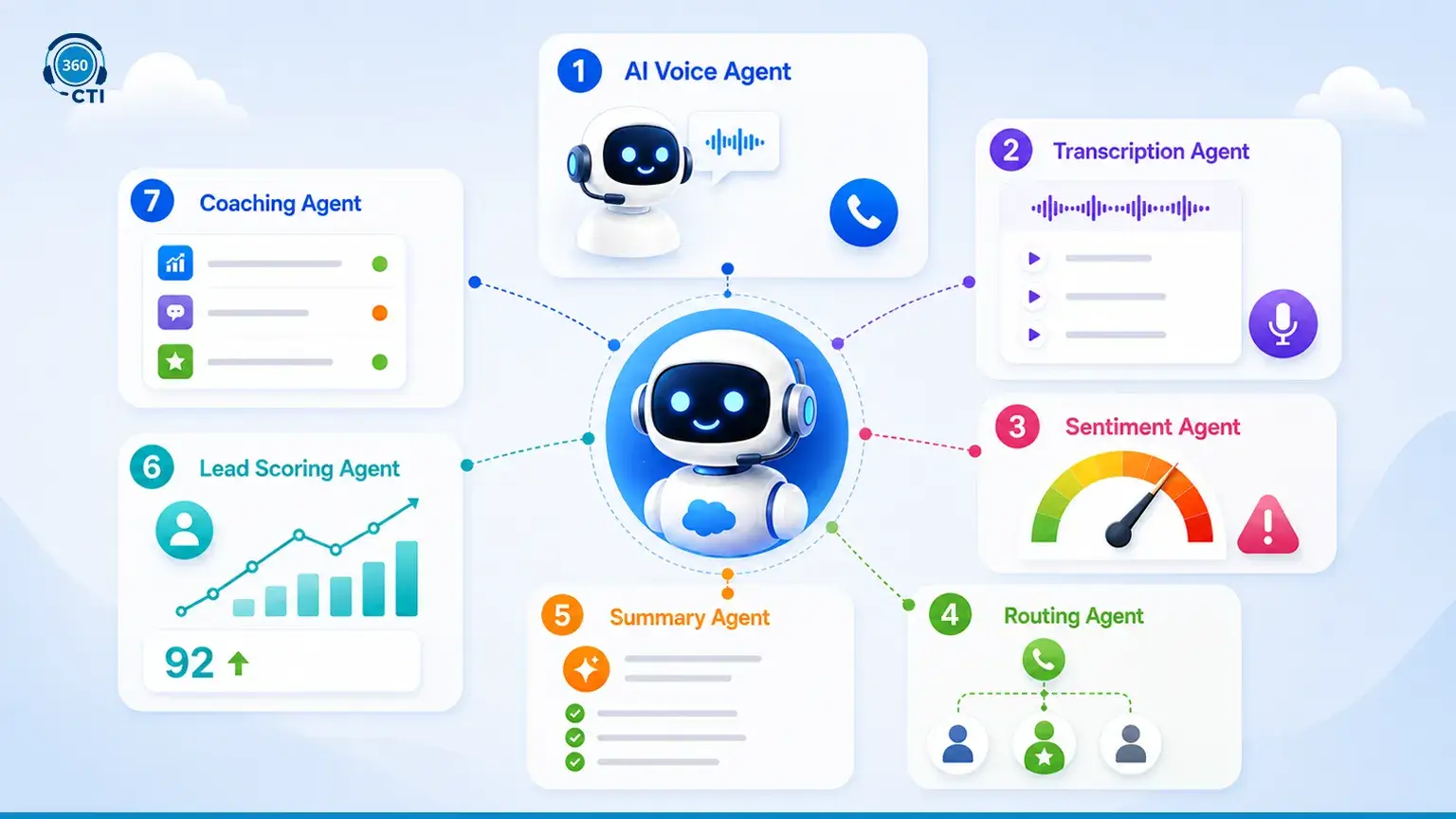
With AI CTI Salesforce, teams can deploy AI voice agents to run the first pass on outbound calling itself: lead qualification, appointment booking, payment or renewal reminders, missed call follow-ups, post-call surveys. These are the use cases where the technology genuinely holds up. Autonomous handling of complex inbound calls isn’t there yet, so treat broader claims with some skepticism.
What to do: Pilot one outbound use case, like renewal reminders, before rolling an ai voice agent salesforce-wide.
How does an AI Voice Agent handle a renewal call without a rep?
2. Real-time transcription is replacing manual note-taking after every call
Live transcription captures the conversation as it happens instead of relying on a rep’s half-written notes. It attaches to the Salesforce record automatically. For managers, coaching changes too. Instead of asking what happened on a call, they just read it.
3. Sentiment analysis is flagging at-risk conversations before they end
Frustration doesn’t always come through in words. Tone shifts, pauses stretch, word choice gets clipped. Sentiment analysis catches these cues and can trigger an escalation mid-call rather than after the account is already gone. It still misreads sarcasm sometimes. Use it as a signal, not a verdict.
4. AI call routing is using CRM data instead of static queue rules
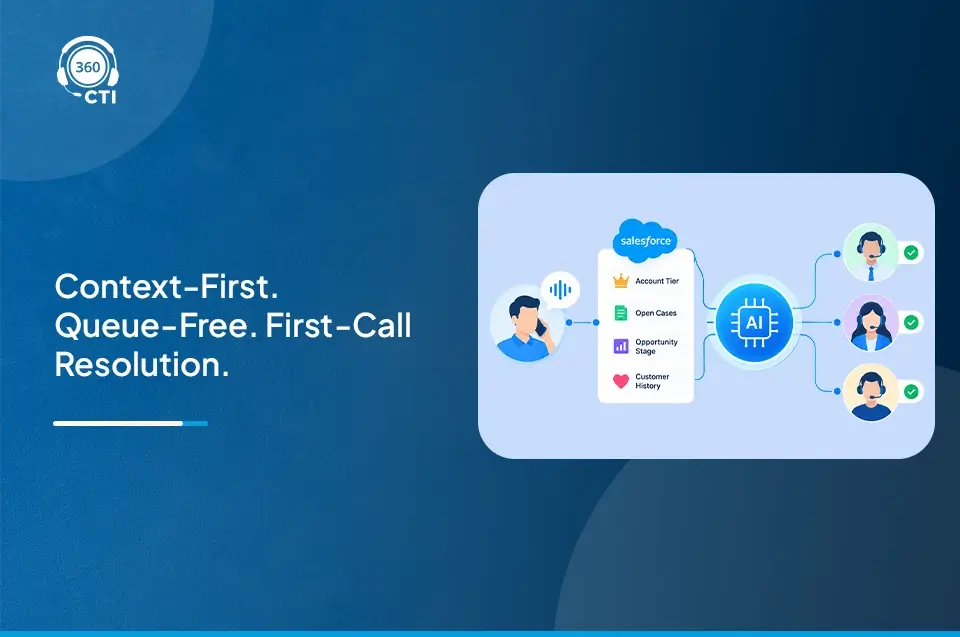
Round robin routing ignores account history and deal stage entirely. Ai call routing built on CRM data sends a high-value renewal call to the rep who closed the original deal, not whoever’s next in the queue.
What to do: Audit your routing logic. Pure queue-based routing leaves Salesforce context on the table.
5. Automatic call summaries are eliminating post-call admin
This is what reps notice first. AI drafts what was discussed, what was agreed, and the next step immediately after the call ends. Reps review and adjust instead of writing from memory, saving several minutes per call across a full day.
6. Predictive lead scoring from call data is prioritizing follow-up queues
Call data used to sit unused once logged. Now it feeds scoring models built on what actually happened on the call, tone, objections, questions asked, not just static firmographic data. Follow-up queues reorder around real buying signals instead of form-fill dates.
7. AI coaching is replacing the manager having to listen to every call
No manager has time to sit through every rep’s calls. AI coaching scans them at scale, flagging talk-to-listen ratios and weak objection handling, then surfaces the clips worth a manager’s attention. AI CTI Salesforce platforms that bundle coaching with transcription turn call review into a weekly habit instead of a once-a-quarter scramble.
How do managers coach reps without listening to every call?

Basic Salesforce CTI vs. AI-Enabled CTI: Feature Availability
| Feature | Basic Salesforce Dialer | 360 CTI (AI-Enabled) |
| Click-to-dial | Yes | Yes |
| Automatic call logging | Limited | Yes |
| Live transcription | No | Yes |
| Sentiment analysis | No | Yes |
| AI call routing (CRM-based) | No | Yes |
| Automated call summaries | No | Yes |
| AI voice agent (outbound) | No | Yes |
| AI coaching insights | No | Yes |
360 CTI brings a Salesforce AI voice agent for outbound calling natively into AI CTI Salesforce workflows, built for lead qualification, appointment booking, and renewal reminders. For global teams, AI-powered call translation keeps conversations moving across languages without a separate tool. And for managers who want visibility without listening to every call, AI call coaching and transcription in Salesforce turns raw call data into something teams can actually act on.
What Sales Teams Should Do Now
None of this requires ripping out your current setup. Pick the two or three features that solve your loudest problem. AI CTI Salesforce in 2026 isn’t about adding AI for its own sake. It’s about closing the gap between what happened on a call and what your CRM knows about it.